Create Project
create a new Django project and an app within it:
django-admin startproject myproject
cd myproject
python manage.py startapp myapp
Folder Structure like below
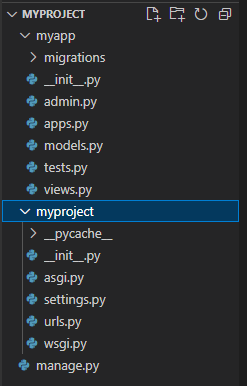
migrate Database
python manage.py migrateRun Server
python manage.py runserver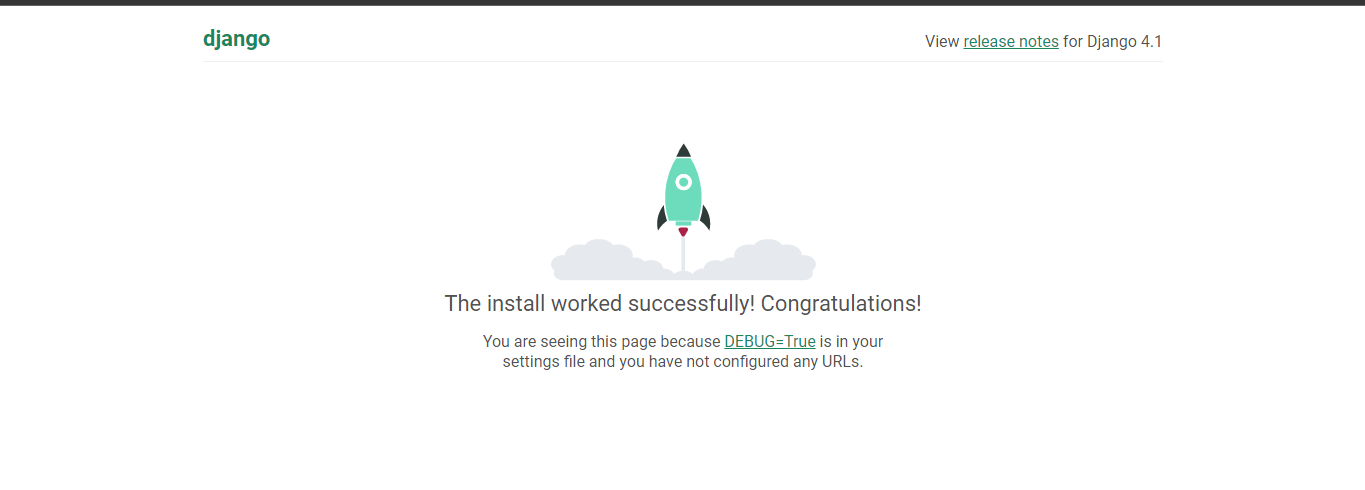
Install Required Packages:
pip install django-allauth==0.43.0Configure Settings:
#------------ AllAuth 1 -----------------
INSTALLED_APPS = [
    # ...
    'django.contrib.sites',
    'allauth',
    'allauth.account',
    'allauth.socialaccount',
    'myapp',  # Replace with the name of your app
]

# Add this line if it's not there
SITE_ID = 1
Migrate Database
python manage.py migrateCreate Super user
python manage.py createsuperuser#------------ AllAuth 3 -----------------
AUTHENTICATION_BACKENDS = (
'django.contrib.auth.backends.ModelBackend',
'allauth.account.auth_backends.AuthenticationBackend',
)
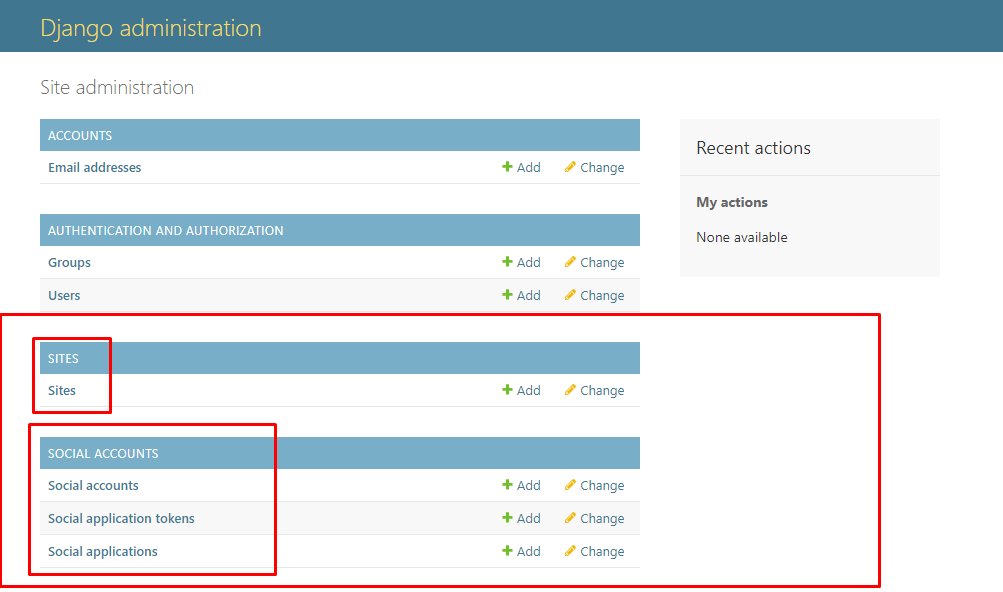
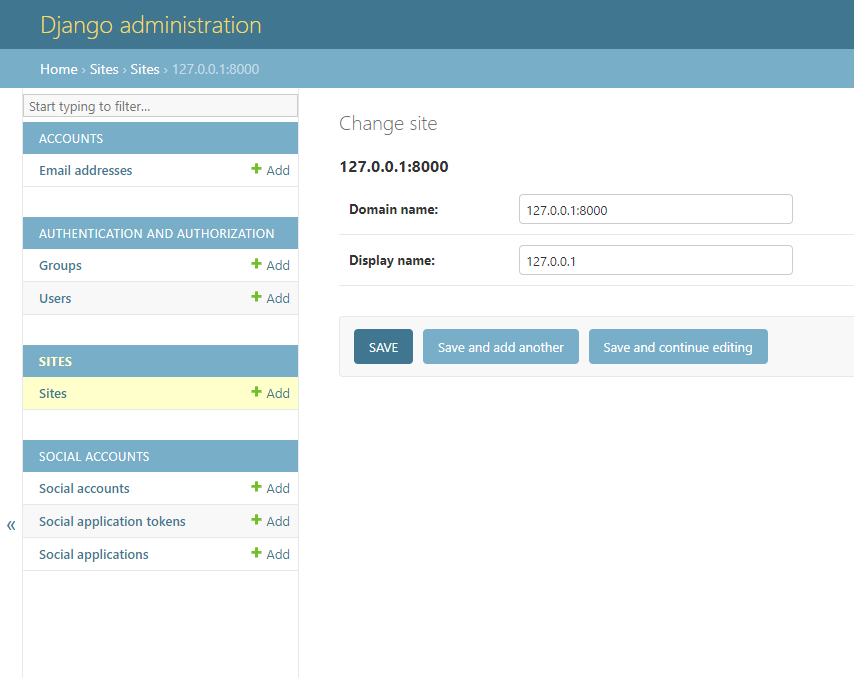
login admin panel
TEMPLATES = [
    {
        # ...
        'OPTIONS': {
            'context_processors': [
                # ...
                'allauth.account.context_processors.account',
                # ...
            ],
        },
    },
]
Configure URL patterns:
# myproject/urls.py

from django.contrib import admin
from django.urls import path, include

urlpatterns = [
    path('admin/', admin.site.urls),
   path('accounts/', include('allauth.urls')),
   ]
http://127.0.0.1:8000/accounts/ এ ঢুকলে দেখতে পারবো আমাদেরকে অনেক গুলো লিংক দিয়েছে
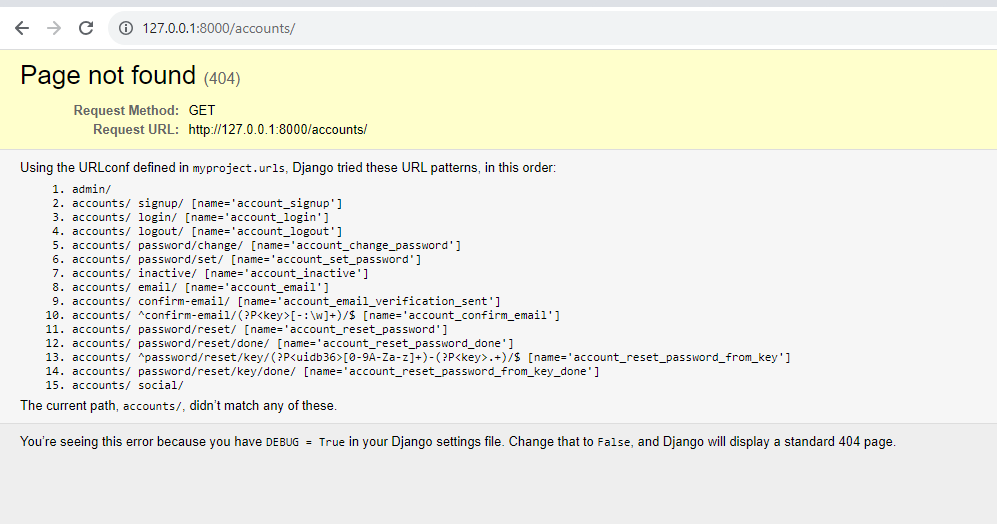
একাউন্ট logout করে signup ইউআরএল এ ঢুকার চেষ্টা করি।
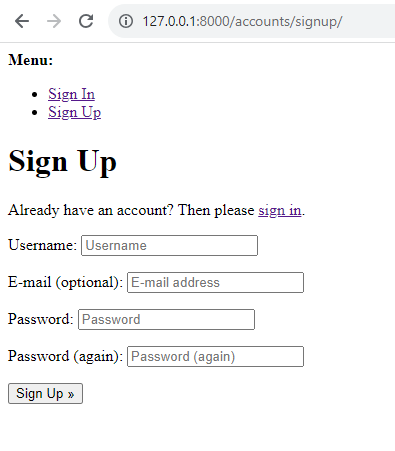
এখন আমরা দেখতে পাচ্ছি যে ডিফল্ট পেজ শো করছে এর পরের টিউটোরিয়ালে আমরা টেম্পলেট কাস্টোমাইজে কাজ দেখবো